
How to Use Assets?
1 What are assets
The NadouPro Assets section collects characters, props, scenes, and other creative materials in a digital asset library. Select an item to apply it directly to your project, giving creators ready-to-use preset assets.
2 Character assets
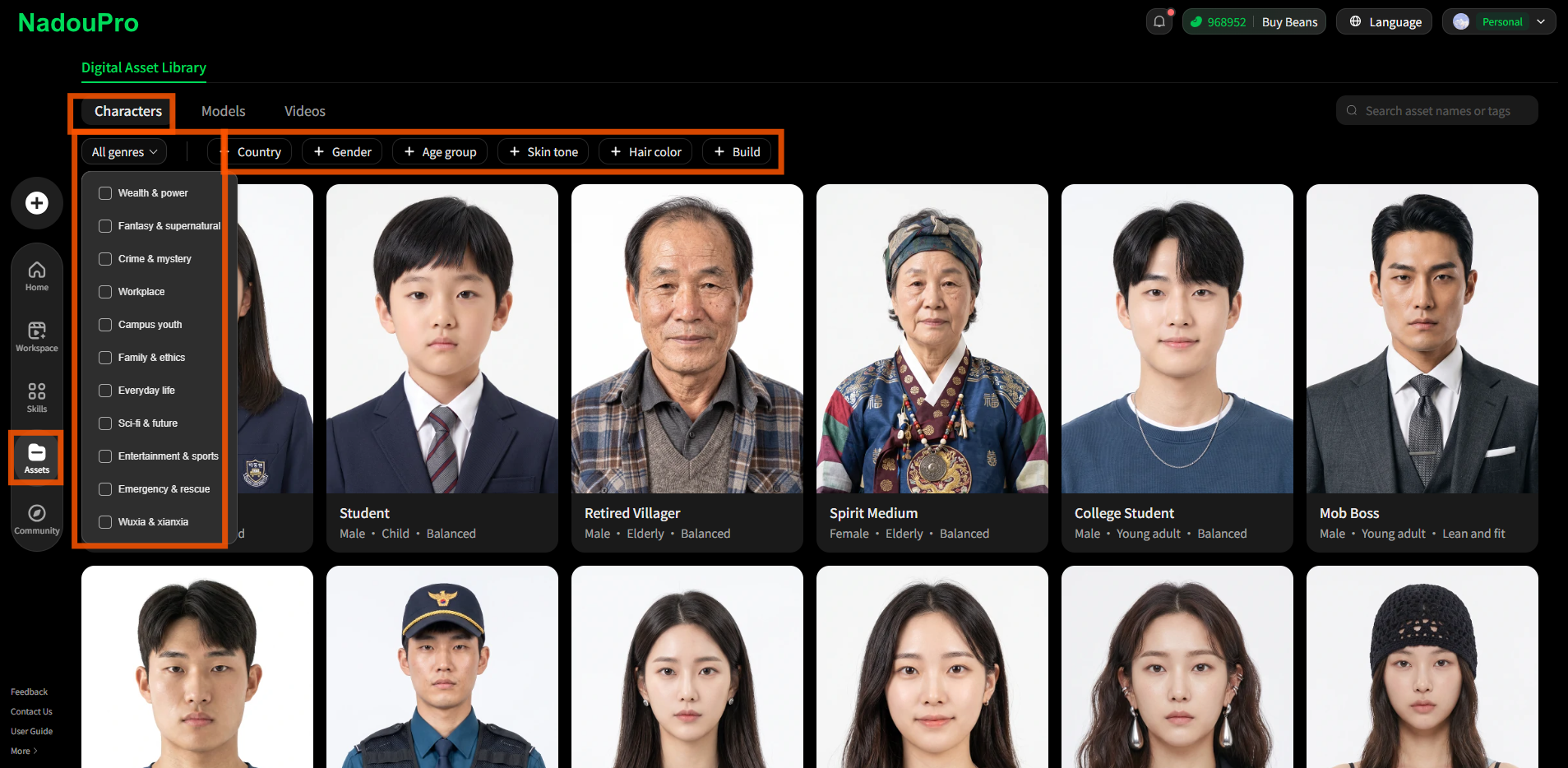
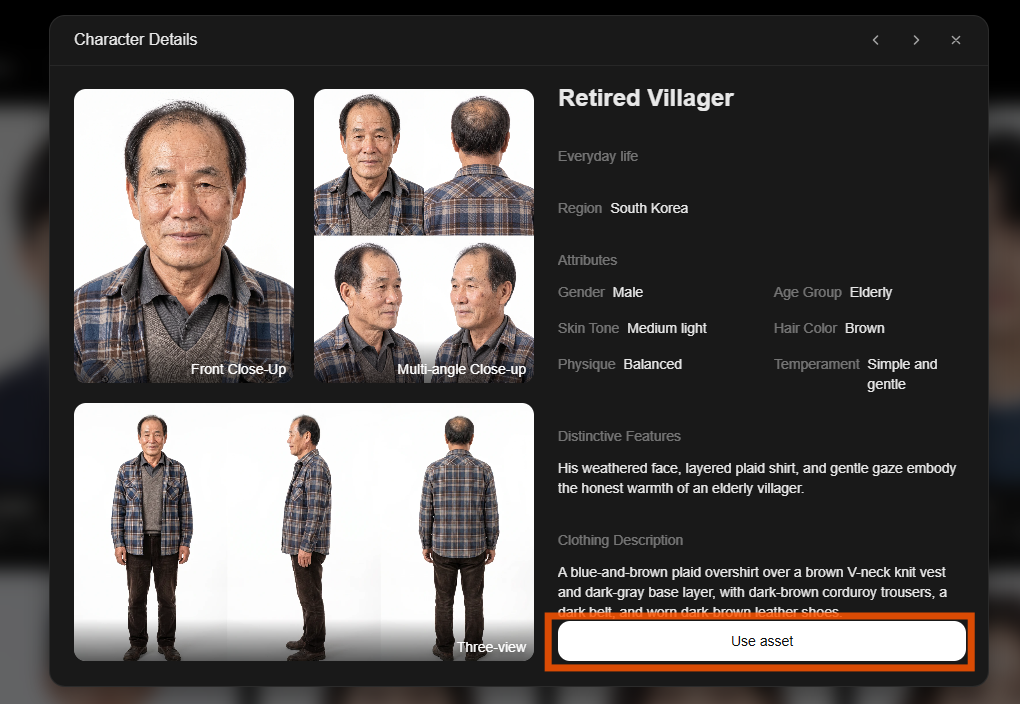
Filter by genre, country, gender, age range, hair color, physique, and more to quickly find the material you need.
3 Model assets
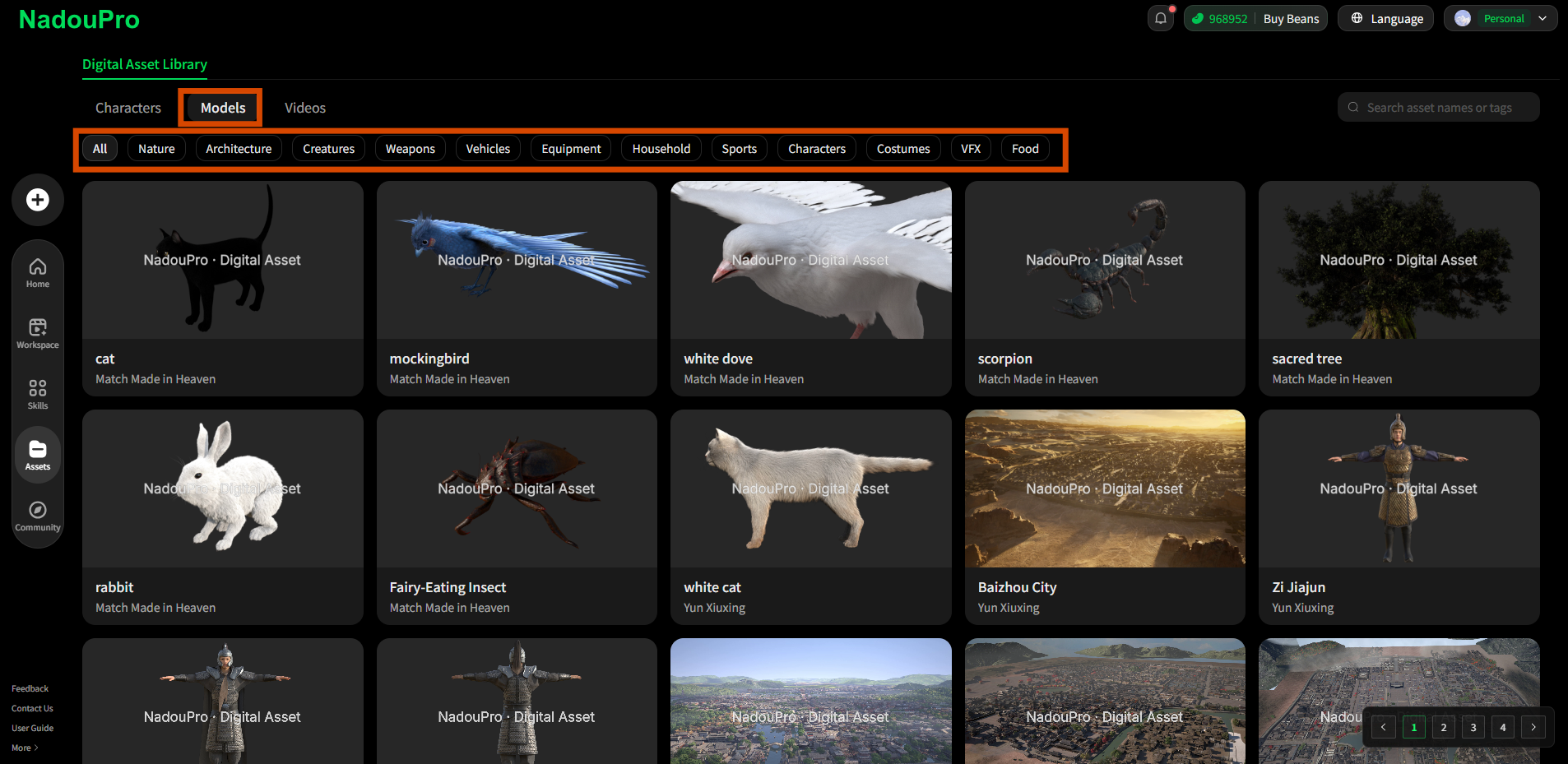
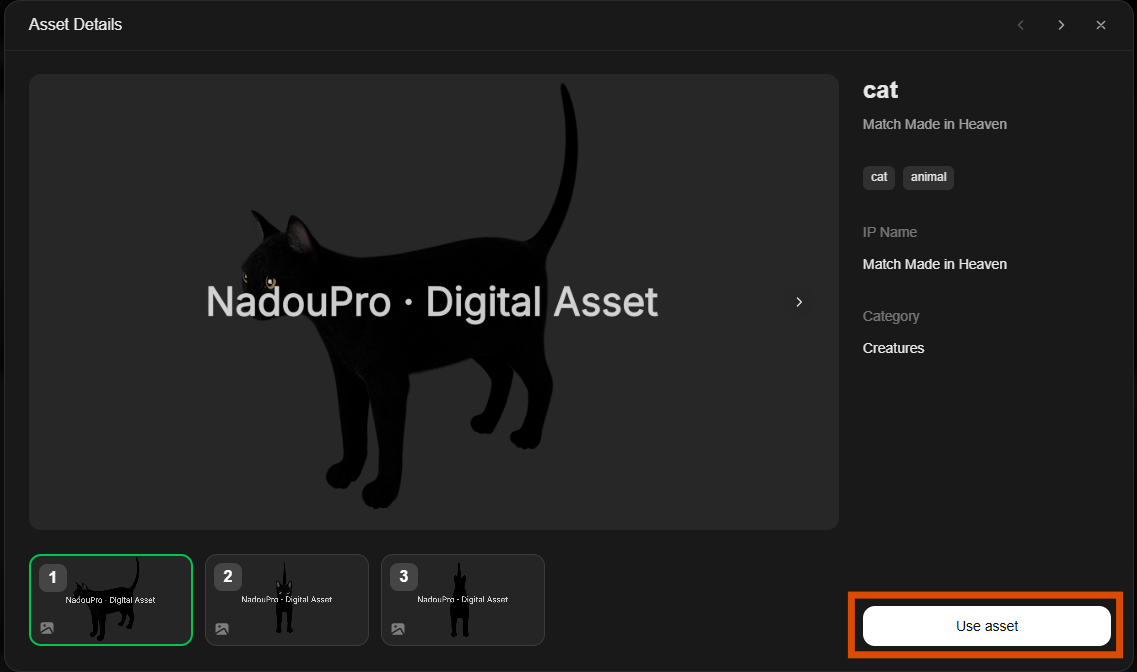
Filter by category to find the material you need.
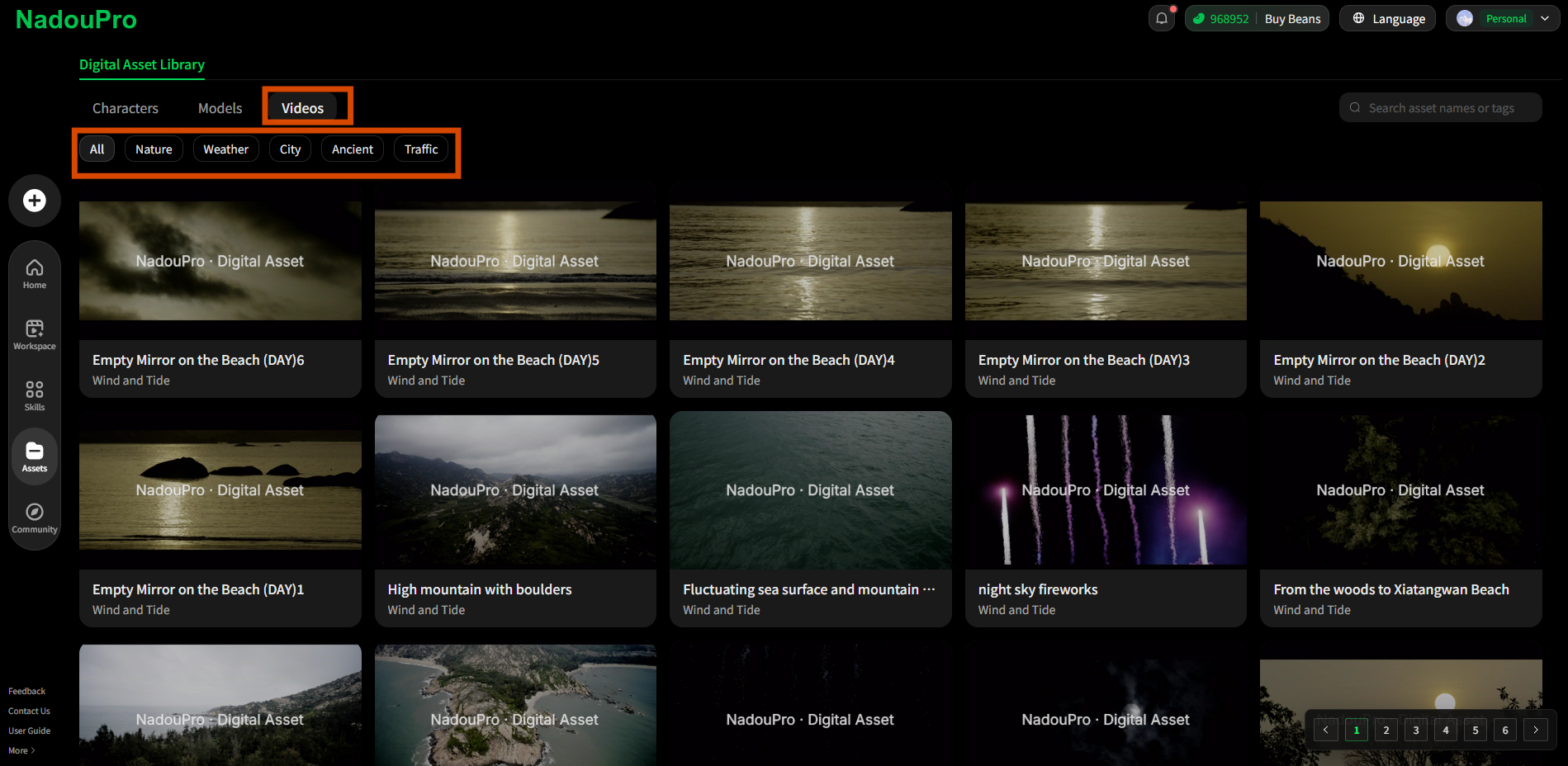
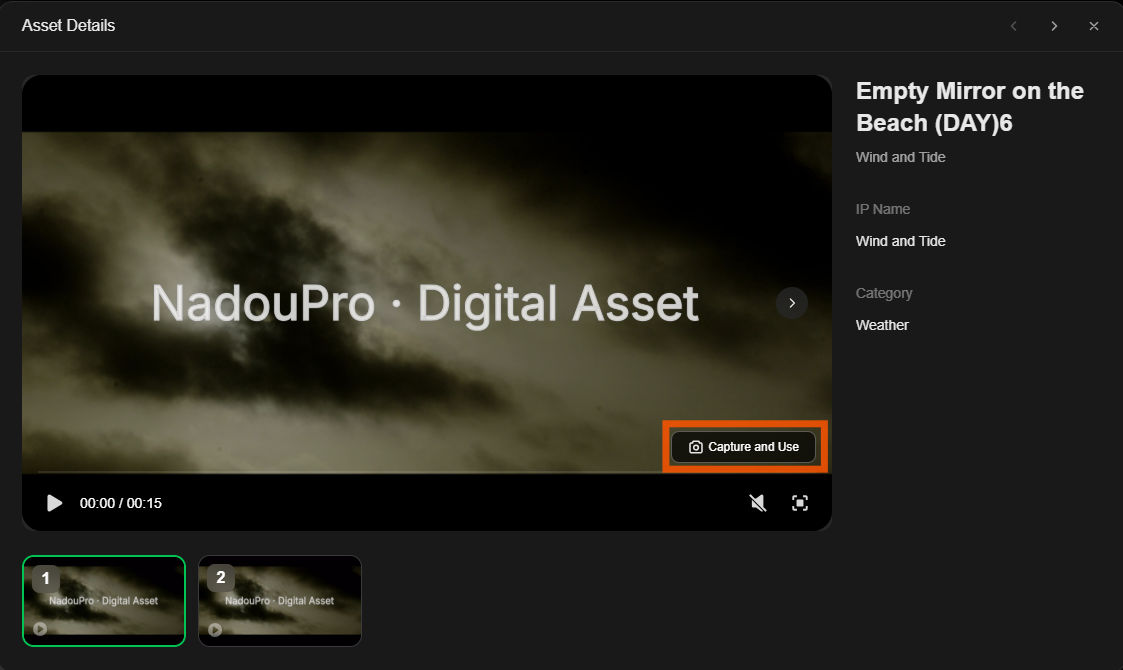
4 Video assets
Filter by category to find the material you need.
5 FAQ
Q: Can digital assets be edited further?
Yes. After you select an asset from the library, you can apply it directly to a project and continue editing it on the Canvas or Workbench.
Q: What types of materials does the digital asset library include?
It currently includes character images, models, and videos. You can filter by asset type and by sub-categories (for characters: genre, gender, age range, physique, and more).